Data Studio GuruData Studio Guru
GA4 Insights — preview 1

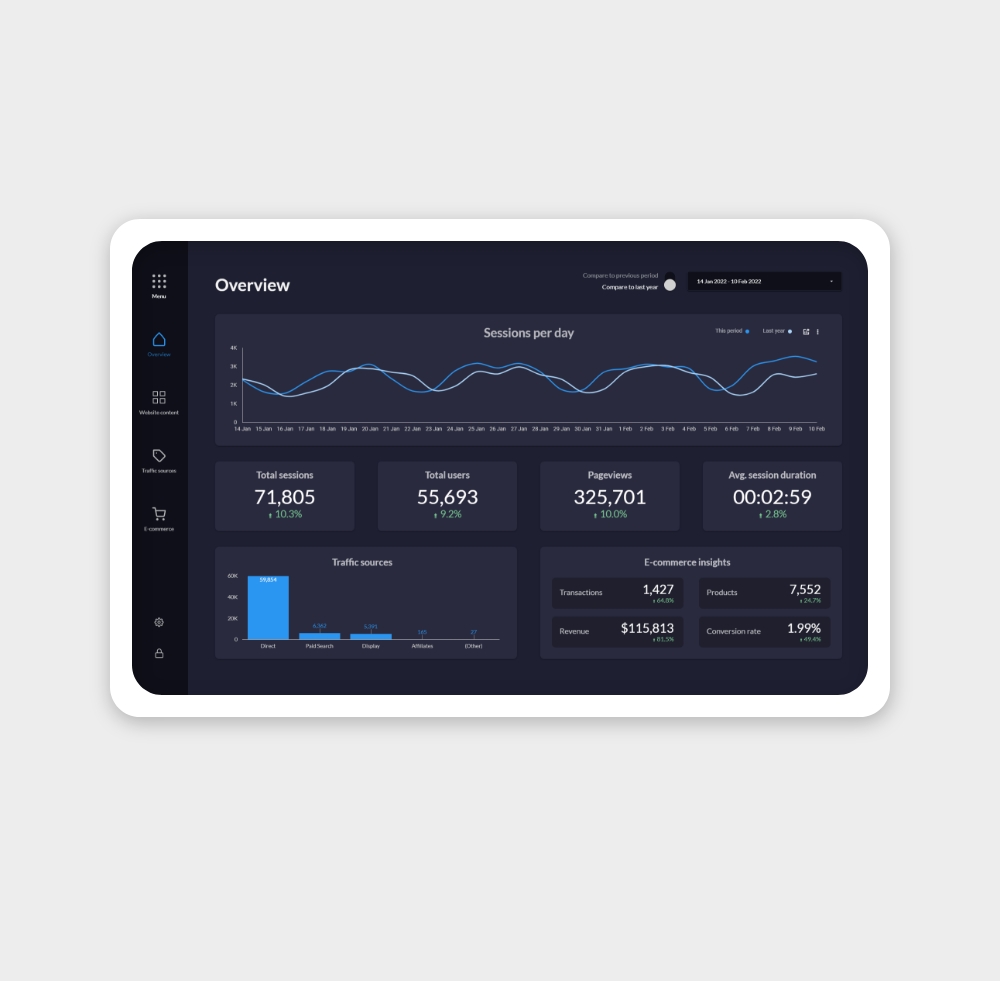
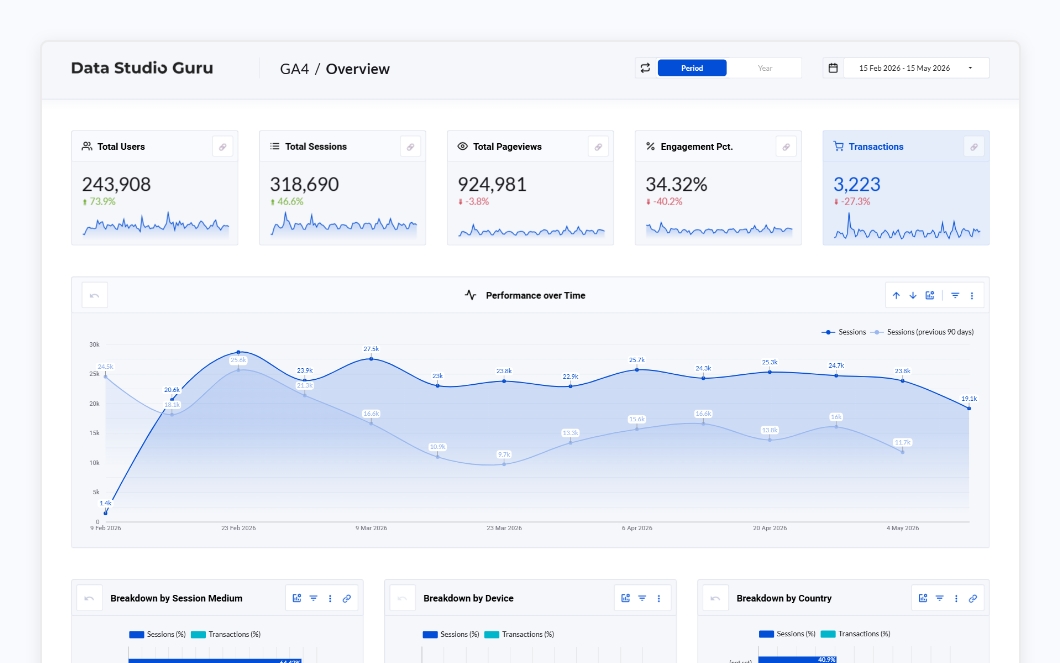
Connect your GA4 property and instantly get clear insights into your website or app performance. Five focused pages covering overview, content, channels, location, and conversions — beautifully designed and fully customisable.

Marketing

GA4 Insights

$79

View Free Preview
Secure checkout
Instant delivery
One-time fee

Data Sources

Includes

  • Data Studio template (5 pages)
  • Setup guide (PDF)
  • Lifetime updates
  • Email support

Single-user license. View license terms

Description

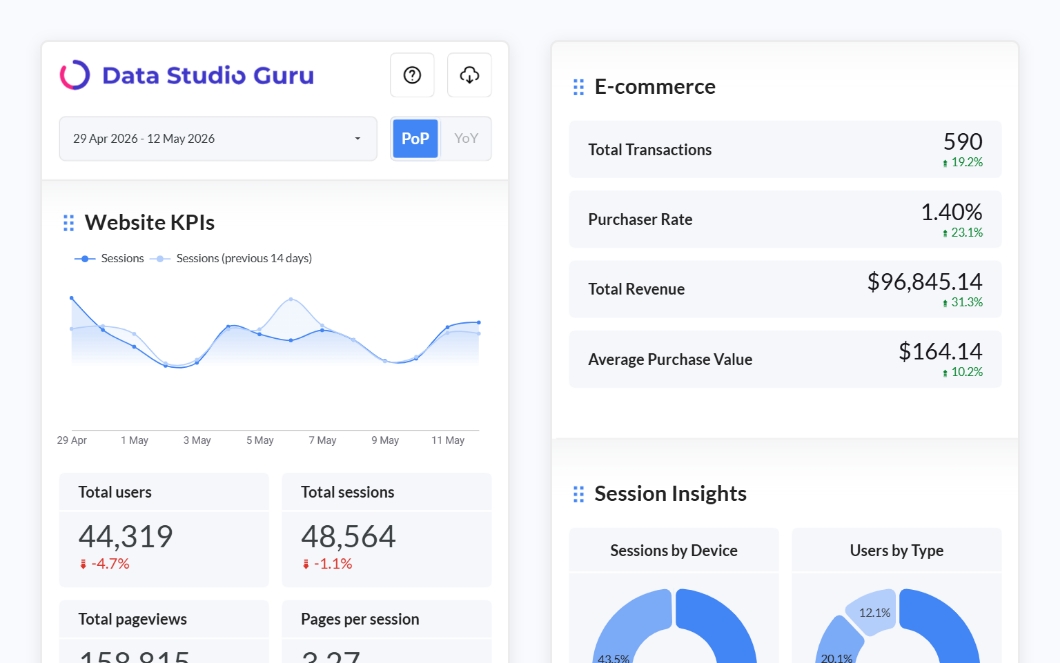
This Looker Studio template seamlessly connects to your Google Analytics 4 property, instantly providing insights into your website or application's analytics. The report allows you to dive deep into performance data while maintaining a user-friendly, lightweight design. With its sleek, usability-focused layout, you’ll impress your audience with a visually stunning and powerful report.

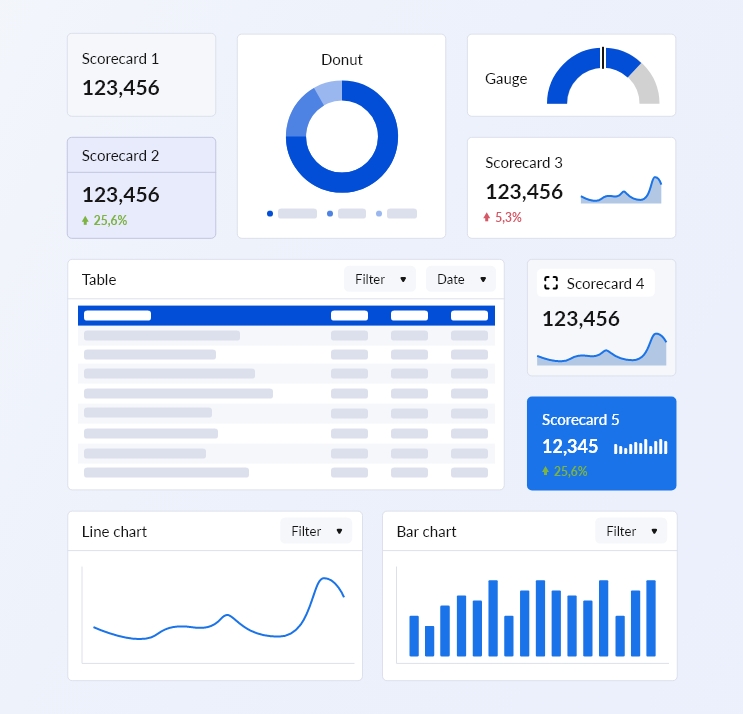
The template is fully native to Looker Studio (with the exception of icons), making it quick and easy to customize visuals and graphs to meet your business needs. It's also effortless to align with your brand — just swap out the logo, change the gradient bar color in the header, and you're good to go. With options to filter, cross-filter, drill down, add optional metrics, compare data to the previous period or year, and export your results, everything you need is at your fingertips.

The report is structured around 5 key topic pages:

  1. Overview – A quick snapshot of your most important metrics.
  2. Content Analysis – Gain insights into how your content is performing.
  3. Channel Exploration – Analyze your marketing efforts and returns.
  4. Location – Explore audience locations and regional metrics.
  5. Conversions – Track e-commerce performance or focus on key events/leads.
Each page offers two views: one comparing data to the previous period and another comparing it to the previous year, with seamless navigation between the two.

Features

  • 5-page report: Overview, Content, Channels, Location, Conversions
  • Period-over-period and year-over-year comparisons
  • Cross-filtering and drill-down navigation
  • Data export functionality
  • Native Data Studio visuals only (no third-party dependencies)
  • Compliant with Google Analytics API limits
  • Fully customisable branding
  • Quick setup — connect your GA4 property and go

What's included

  • Data Studio template (5 pages)
  • Setup guide (PDF)
  • Lifetime updates
  • Email support

Required data sources

  • Google Analytics

How to use

Follow these steps to copy the template, connect your data and make changes.
  1. Open the template - Click on the template link in the purchase confirmation email.
  2. Make a copy - In the top-right corner of the report, click the 3-dots menu and select 'Make a copy'.
  3. Connect your data - Data Studio will ask you to select your data sources for each connection in the report.
  4. It's yours - Once copied, the report lives in your Google Drive. You can edit, rename, and share it freely within the terms of your license.

Frequently Asked Questions

More Marketing Templates

View all