“Great template! A lot of time was spent on the details, that's for sure.”
Anonymous Buyer✓ Verified Purchase
May 4, 2026

A comprehensive 27-page Data Studio dashboard covering your entire digital presence — traffic, conversions, e-commerce, ads, Search Console, and YouTube — all optimised for large screens and wall displays.
$99Excl. VAT
Preview templateIncludes
Single-user license. View license terms
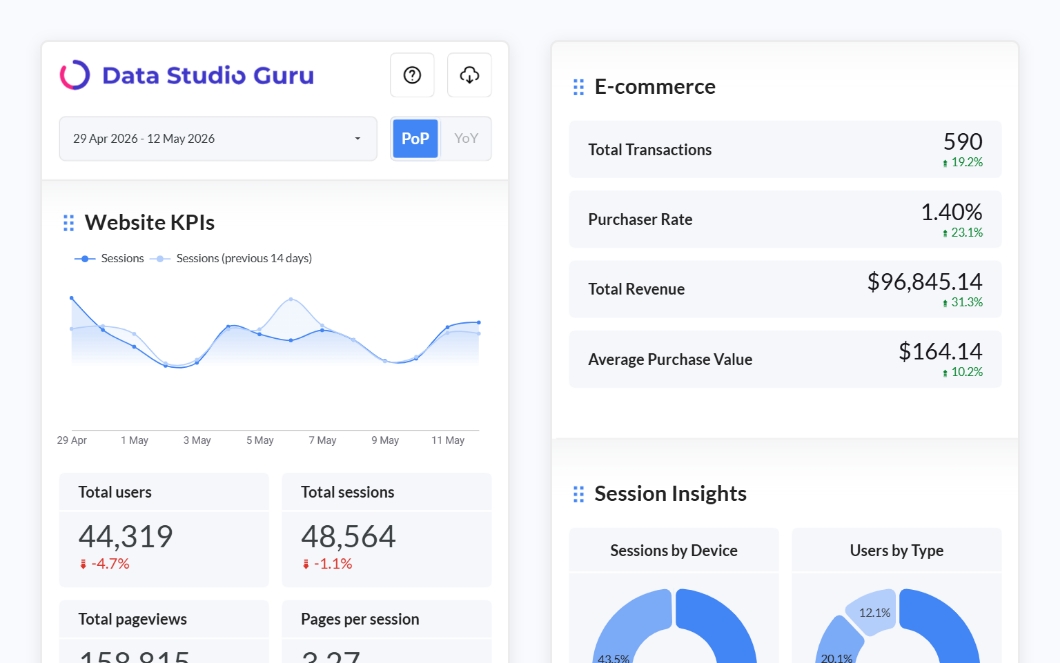
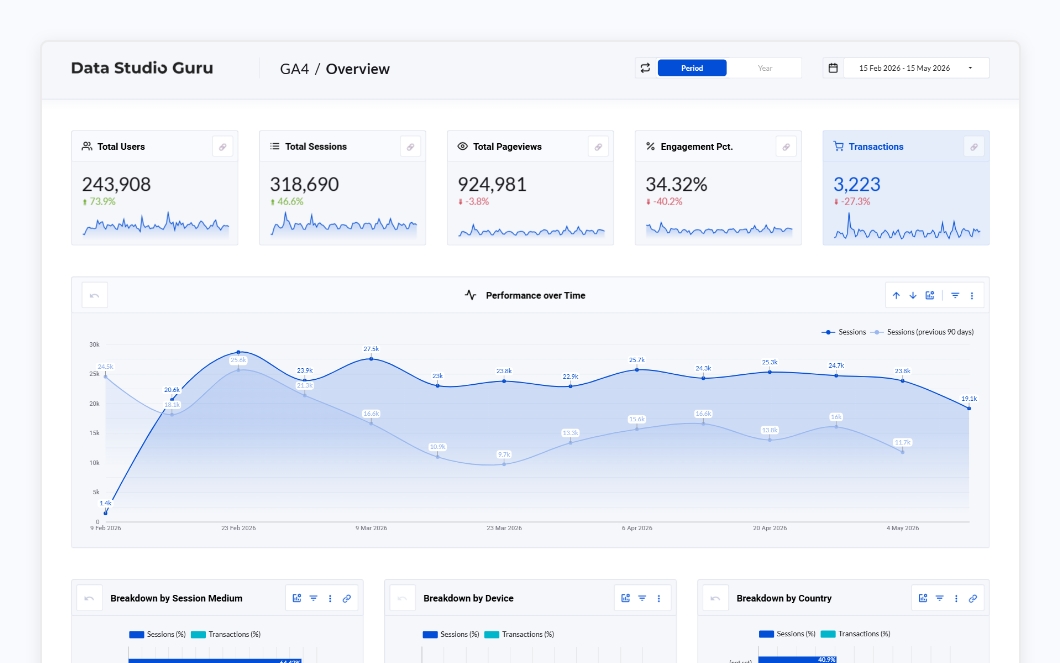
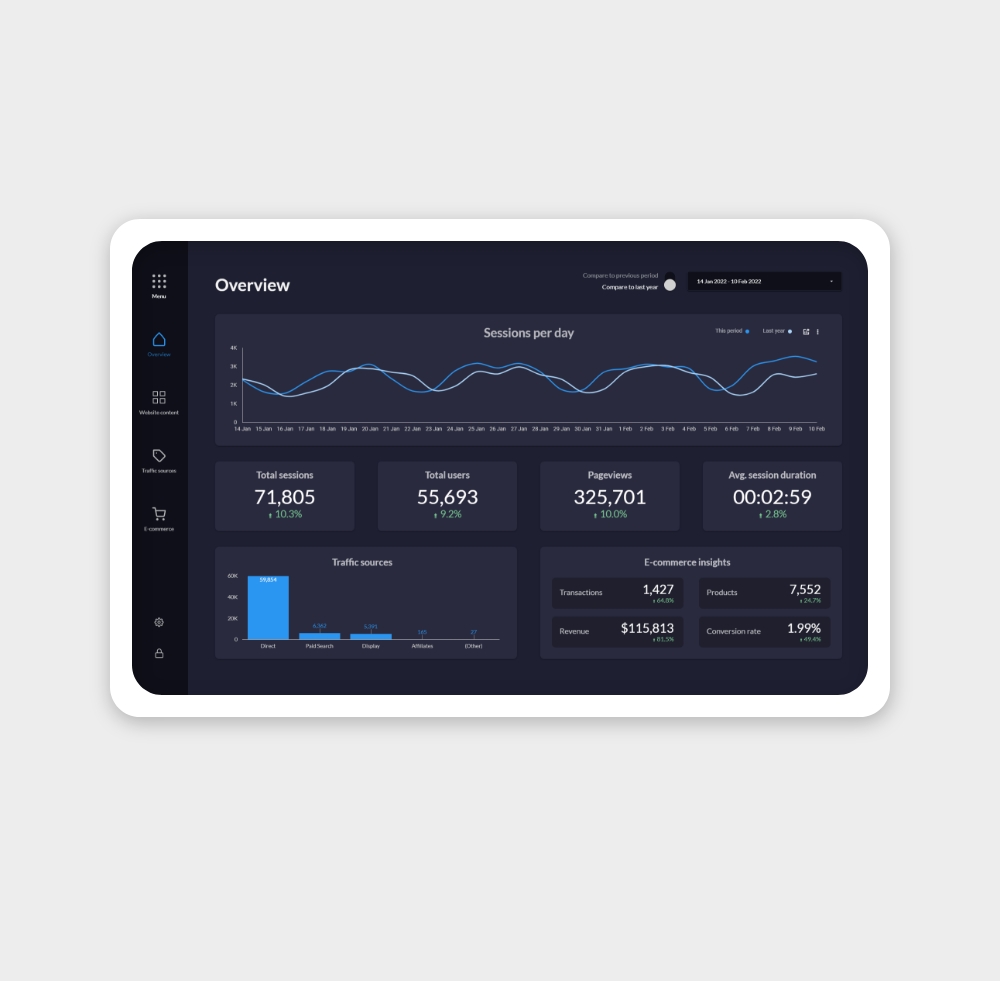
This template is built with the big screen in mind. The template provides a full website overview, based on Google Analytics and e-commerce data. But there is more! It also includes your favorite marketing channels like Google Ads, Youtube, and Search Console.
It is built for the big screen. For example, do you have a touch screen and want to display a dashboard on it? This is the template you need! An unused computer screen? A TV on the wall? You can make heads turn with this dashboard.
The template consists of a whopping 27 pages. It has a menu page to navigate through these pages. It also has a settings page where you can select data sources and for the data sensitive situations, there is even an option for a lock screen page.
The complete list of pages:
All pages with a * are actually two pages. On the first page, all data is compared to the previous year and on the second page, the data is compared to the previous period.
Follow these steps to copy the template, connect your data and make changes.
“Great template! A lot of time was spent on the details, that's for sure.”