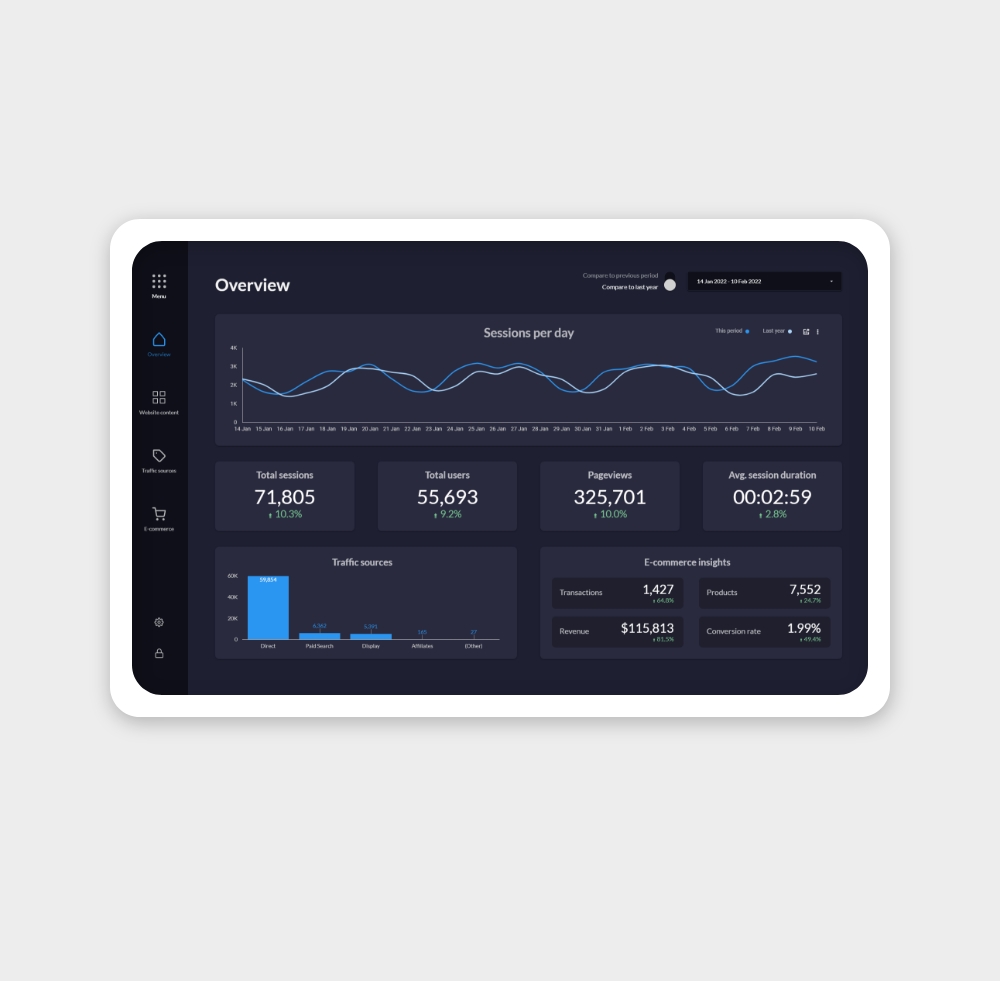
YouTube's native analytics are powerful but hard to share. These templates bring your channel data into Data Studio so you can create clean, branded reports for clients or stakeholders without screen-sharing your account.
Whether you're a solo creator tracking growth, an agency reporting on client channels, or a brand monitoring campaign video performance, these templates connect to your YouTube Analytics data and stay live — so your reports are always up to date.
How to connect YouTube to Data Studio
- Open Data Studio and open or create a report.
- Click Add data in the toolbar.
- Search for YouTube Analytics in the connector gallery and select it.
- Click Authorise and sign in with the Google account that owns or manages your YouTube channel.
- Select your Channel from the dropdown.
- Click Add — Data Studio will connect and expose all channel-level metrics and content dimensions.
Note: The YouTube Analytics connector uses channel-level data from the YouTube Reporting API. You need to be the channel owner or have access via YouTube Studio to authorise the connector.
Key YouTube Analytics metrics in Data Studio
Views — The total number of times your videos were watched. Your primary volume metric — tracked at channel level or broken down by individual video.
Watch time (hours) — The cumulative hours viewers spent watching your content. YouTube's algorithm prioritises watch time over raw views, so this is a more meaningful signal of content quality.
Average view duration — The average time viewers spend watching each video before leaving. A high average view duration relative to video length indicates strong content retention.
Subscribers gained — New subscribers added in the selected period. Tracks channel growth independent of views — important for understanding whether individual videos are converting casual viewers into followers.
Impressions — How many times your video thumbnails were shown to users on YouTube (in feeds, search results, and recommendations). Separate from views — an impression becomes a view only when a user clicks.
Impressions CTR — Clicks (views from impressions) divided by impressions. Measures how effectively your thumbnails and titles attract clicks when shown. Typical YouTube CTR ranges from 2–10%.
Top videos — Available by using the Video title dimension in a table chart. Ranks your content by any metric — views, watch time, CTR — to identify what's performing best.
Common use cases
Channel growth tracking — Content creators and channel managers use YouTube dashboards to monitor week-over-week views, watch time, and subscriber growth. Data Studio makes it easy to spot which upload weeks performed best and correlate spikes with specific content.
Content performance analysis — By creating a table of videos ranked by watch time or average view duration, you can identify which topics, formats, and lengths resonate most with your audience — and use that to plan future content.
Agency and brand reporting — Agencies managing brand YouTube channels use Data Studio reports to share performance data with clients in a clean, branded format. Live reports update automatically, so there's no monthly export ritual.
Frequently asked questions
Why is there a delay in my YouTube data?
YouTube Analytics data typically has a 48–72 hour processing delay. Very recent views and watch time are subject to revision as YouTube finalises its count. This is normal and applies to both the native Studio interface and Data Studio.
Can I see data for individual videos alongside channel totals?
Yes. Add the Video title or Video ID dimension to any chart to break channel data down by video. Use a scorecard for channel totals and a table below for per-video breakdown.
Can I connect multiple YouTube channels?
Yes, by adding each channel as a separate data source. You'll need to authorise each channel separately. Use data blending to combine metrics from multiple channels in a single chart.
Does the connector include YouTube Shorts data?
Yes — Shorts appear in the data alongside regular videos. Use the Video type dimension (if available in your connector version) to filter between Shorts and long-form content.